
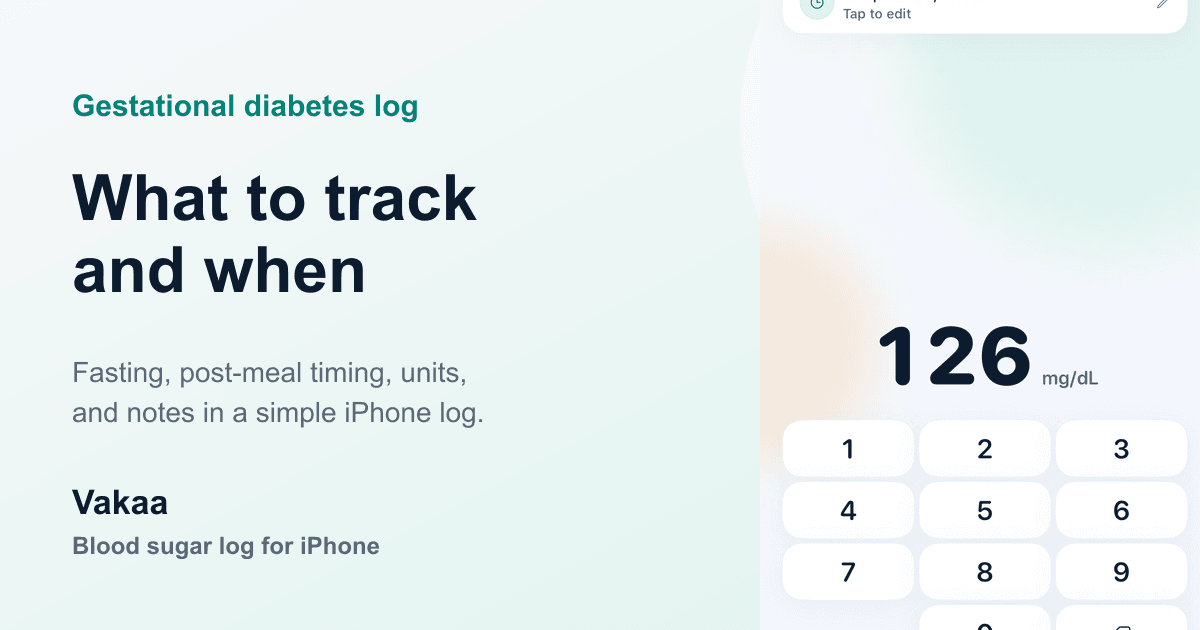
A gestational diabetes log is not meant to be a perfect diary of pregnancy. It is a focused record your obstetric care team can scan quickly: when the reading happened, what the value was, which unit you used, and whether the reading was fasting or after a meal.
That narrow shape matters. Gestational diabetes already adds enough decisions to the day. If the log asks for too much, it becomes harder to keep up exactly when consistency matters most.
What does a gestational diabetes log track?
Most gestational diabetes logs center on four daily checkpoints:
- fasting, usually after waking and before breakfast
- after breakfast
- after lunch
- after dinner
Your care team may ask for one-hour post-meal readings, two-hour post-meal readings, or a different schedule. The point of the log is to preserve the timing clearly, not to guess which timing applies. The CDC overview of gestational diabetes describes gestational diabetes as diabetes diagnosed during pregnancy and emphasizes working with your health care team on monitoring and management.
If you use paper, the free printable blood sugar log template includes a gestational version with a fasting column and three post-meal columns. If you prefer iPhone, Vakaa uses the same basic structure with timestamps and meal-timing tags.
What should each entry include?
Each row should include:
- the glucose value
- the unit, such as
mg/dLormmol/L - the date and time
- the timing label, such as fasting, 1 hour after meal, or 2 hours after meal
- a short note only when it helps explain the reading later
The unit is not optional. A value of 5.3 means something very different from 95 unless the unit is
visible. A useful log keeps mg/dL or mmol/L next to every reading, especially if screenshots,
paper sheets, or shared summaries are involved.
Why fasting and post-meal readings are separate
Fasting and post-meal readings answer different questions. A fasting reading reflects the overnight period. A post-meal reading reflects how the body responded after food. Combining them into one undifferentiated list makes the log harder to review.
That is why pregnancy guidance separates those timings. The NICE diabetes in pregnancy guideline lists pregnancy target examples by timing, including fasting and post-meal readings, and also says targets should be individualized when hypoglycemia risk is a concern.
Do not treat an internet chart as your personal target. Use the numbers and timing your obstetric care team gives you. The log should support that plan, not replace it.
How to handle one-hour vs two-hour checks
The most important detail is to record the timing exactly. “After lunch” is less useful than “1h after lunch” or “2h after lunch.” If your care team asked for one-hour checks, use one-hour labels. If they asked for two-hour checks, use two-hour labels.
This is one reason a notes app can become messy. A list like “breakfast 138” may be readable on the same day, but two weeks later it may not be clear whether the value was one hour after breakfast, two hours after breakfast, or simply written near breakfast time.
Vakaa keeps those labels explicit: fasting, before meal, 1 hour after meal, 2 hours after meal, and bedtime. The same approach works on paper if you label each row.
What notes are worth adding?
Notes should stay optional. The log is most useful when the required entry stays quick.
Add a note when it explains context your clinician asked you to track, such as:
- illness or poor sleep
- exercise close to the reading
- medication timing
- a meal your care team asked you to watch
- a missed or delayed check
Avoid turning every row into a long food diary unless that is part of your care plan. A simple log that you actually keep is usually more useful than a detailed log that falls apart after three days.
A simple daily routine
A practical paper routine looks like this:
- Keep the sheet in the same place every day.
- Write the unit at the top of the sheet.
- Fill the fasting row before breakfast.
- Fill the post-meal rows with the exact timing your care team requested.
- Add notes only when they explain context.
- Bring the current week and any requested prior weeks to appointments.
On iPhone, the routine is similar. Open the logbook, enter the number, confirm the unit, pick the meal-timing tag, and save. Optional details can wait.
If a check is missed, write what happened plainly instead of trying to reconstruct the number later. An honest gap in the log is easier to understand than a guessed entry with a precise-looking time.
How Vakaa fits
Vakaa is built for manual blood sugar logging. It does not measure glucose and does not replace a meter, CGM, or clinical guidance. The app focuses on the parts a logbook can do well: fast entry, visible units, clear timing labels, paired before-and-after meal context, and readable summaries.
If you are still deciding whether paper or phone is easier, start with the printable log sheet. If the routine starts to feel repetitive or you need cleaner summaries, the iPhone logbook may be easier to maintain.
For a deeper look at pregnancy target language, read the companion guide to blood sugar logs for pregnancy. If you are new to app-based logging, the general guide to keeping a blood sugar log on iPhone explains the same minimal-entry workflow outside pregnancy.