
Most people do not abandon a blood sugar log because the idea is bad. They abandon it because the routine gets clumsy fast.
The moment logging starts to feel like homework, entries get skipped. A few readings end up in Notes. A few more live in screenshots. Some are typed into a message before an appointment. By the time the data is actually needed, the record is incomplete and harder to trust.
That is why a good iPhone blood sugar log should stay narrow. It should make the first save fast, keep the context readable, and avoid pretending to be a monitor.
What a useful blood sugar log needs
At minimum, each entry should capture:
- the glucose value
- the timestamp
- the unit, such as
mg/dLormmol/L - one piece of timing context, such as fasting, before meal, or after meal
That is enough to build a log that is still meaningful later. You can always add more detail when it helps, but those extra fields should not block the first save.
Why generic notes apps stop working
You can absolutely start in a notes app. The problem is that notes are not organized around the questions people eventually ask:
- Was this reading fasting or after lunch?
- Am I consistently higher after dinner?
- Which unit was I using when I wrote this down?
- Can I show a readable summary to my doctor?
Freeform notes solve capture. They do not solve structure.
If you are not ready for an app yet, start with a free printable blood sugar log template and keep the same fields visible every time: value, unit, time, and meal timing.
A better routine on iPhone
If you are logging manually, use a simple order of operations:
- Record the number as soon as you have it.
- Keep the timestamp accurate.
- Tag the reading with the right meal timing.
- Add any optional context only if it will matter later.
That last step is where many logging flows go wrong. They front-load too many fields and turn every reading into a form. A better product keeps the first save light and lets context stay optional.
If you are catching up on missed entries, keep that separate from the live routine. Enter the values you trust, preserve the original time when you know it, and avoid inventing context that was not written down.
Why meal timing matters so much
A list of numbers without timing context is harder to use than it looks.
A fasting reading and a one-hour-after-meal reading can both be completely valid, but they do not mean the same thing when you review a pattern later. A useful logbook keeps those distinctions visible without making the person logging memorize a complicated system.
For most manual workflows, the big categories are enough:
- fasting
- before meal
- 1 hour after meal
- 2 hours after meal
- bedtime
If you capture those consistently, the later review gets much easier.
The most common logging mistake
The most common mistake is not “forgetting the exact right note.” It is letting the flow get so heavy that you stop logging consistently.
A blood sugar log only becomes useful if it is used often enough to show a pattern. That is why the best logging tools optimize for repeatability, not maximum field count.
The same rule applies if you start on paper. A sheet with twenty columns can look thorough, but it often becomes harder to use by day three. Start with the fields that survive real life: value, unit, time, and meal timing. Add notes only when they explain something you or your clinician will actually review later.
If you change tools, keep the old record. A few weeks of paper logs, notes, or screenshots can still be useful history. The goal is not to make the archive look perfect. The goal is to avoid losing the facts you already captured.
What to look for in an iPhone logbook
If you are choosing an app instead of a notes workflow, look for these things:
- fast manual entry
- visible units next to every reading
- clear meal timing context
- readable trend and export views
- honest product language about what the app does
That last point matters more than it sounds. Many health apps market themselves as if they can measure, interpret, or optimize more than they actually do. A trustworthy blood sugar log should be clear that it is a logbook.
Where Vakaa fits
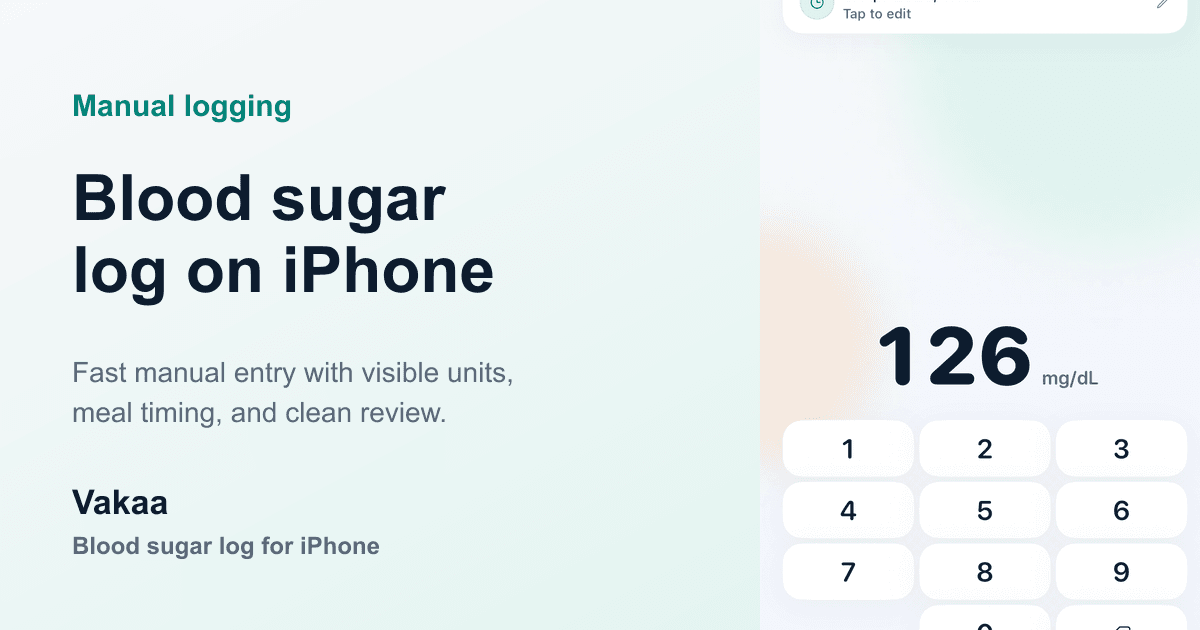
Vakaa is built around the manual logging use case. The idea is simple:
- save the reading quickly
- keep the context readable
- make the later review easier
That means the app focuses on logging, meal timing, trends, and doctor-ready reporting rather than trying to imitate a glucose monitor.
If you want a cleaner record on iPhone without turning each reading into a long form, that is the problem Vakaa is meant to solve.
If you prefer to start on paper, use the free printable blood sugar log template first. If you are logging during pregnancy, the guide to a gestational diabetes log explains the fasting and post-meal routine in more detail.
Final thought
A good blood sugar log is not impressive because it collects everything. It is useful because it makes the important things easy to record and easy to read later.
That is the standard to use whether you stay with a simple spreadsheet, a notes workflow, or a dedicated app like Vakaa.